Translate Audio online for free

Tutorials & Guides


Translate your audio file online for free in CHAMELAION: create an account, upload your audio, pick languages, click Translate, then preview and export in minutes.
Go to app.chamelaion.com and create your account. You can sign in with Google, or use your email and password. After signing up, you will verify your email and set your display name.
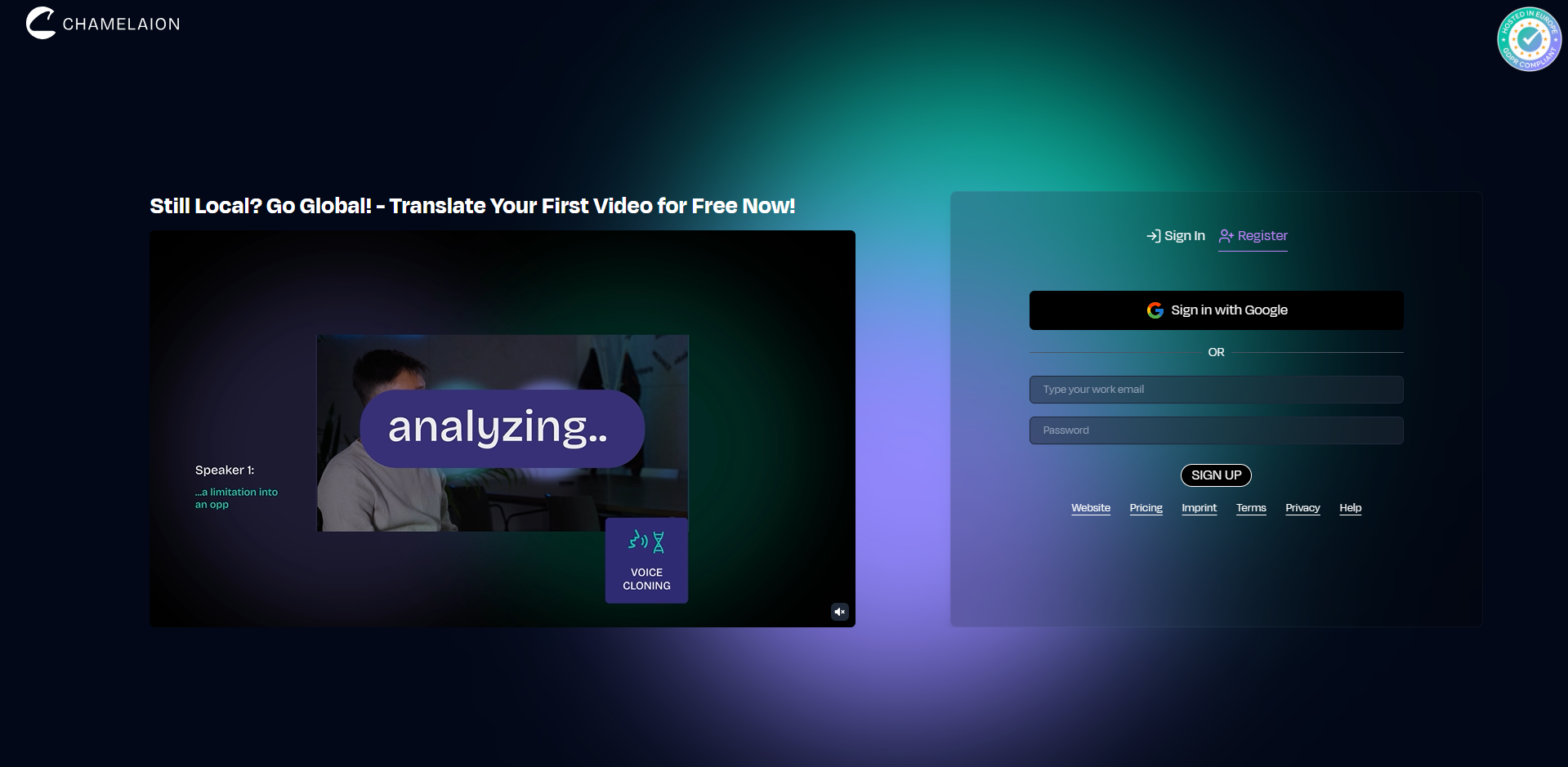
Tip: If your verification email does not arrive, check spam and use the resend option on the sign-up screen.
Right after logging in, upload your audio file.
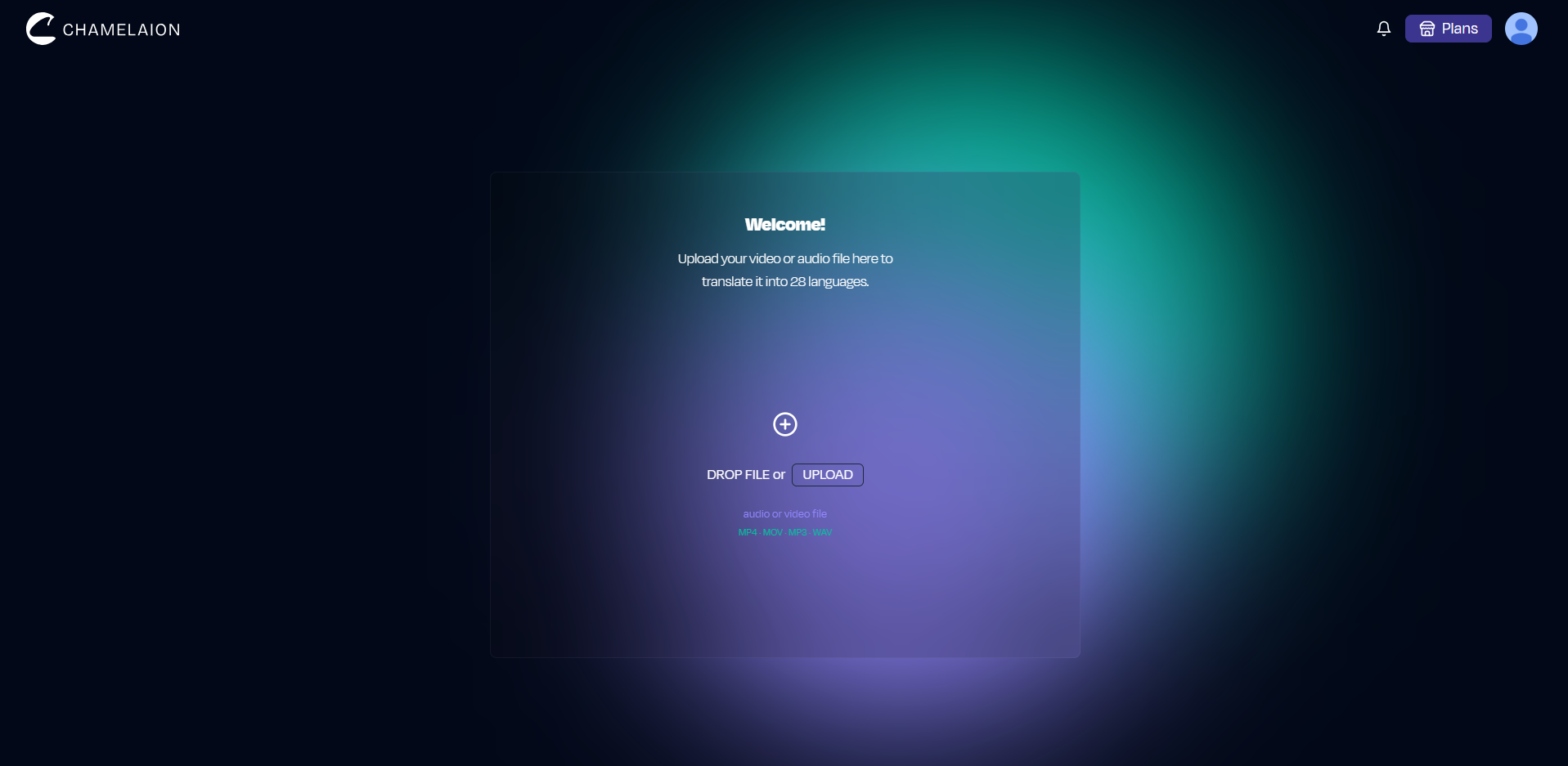
After upload, CHAMELAION detects the source language automatically. Quickly confirm it (or correct it if needed). Then select one or more target languages and you are ready to translate.

Optional: choose voice settings before translating (audio-only)
Next to the Translate button, you can enable helpful extras before you start.
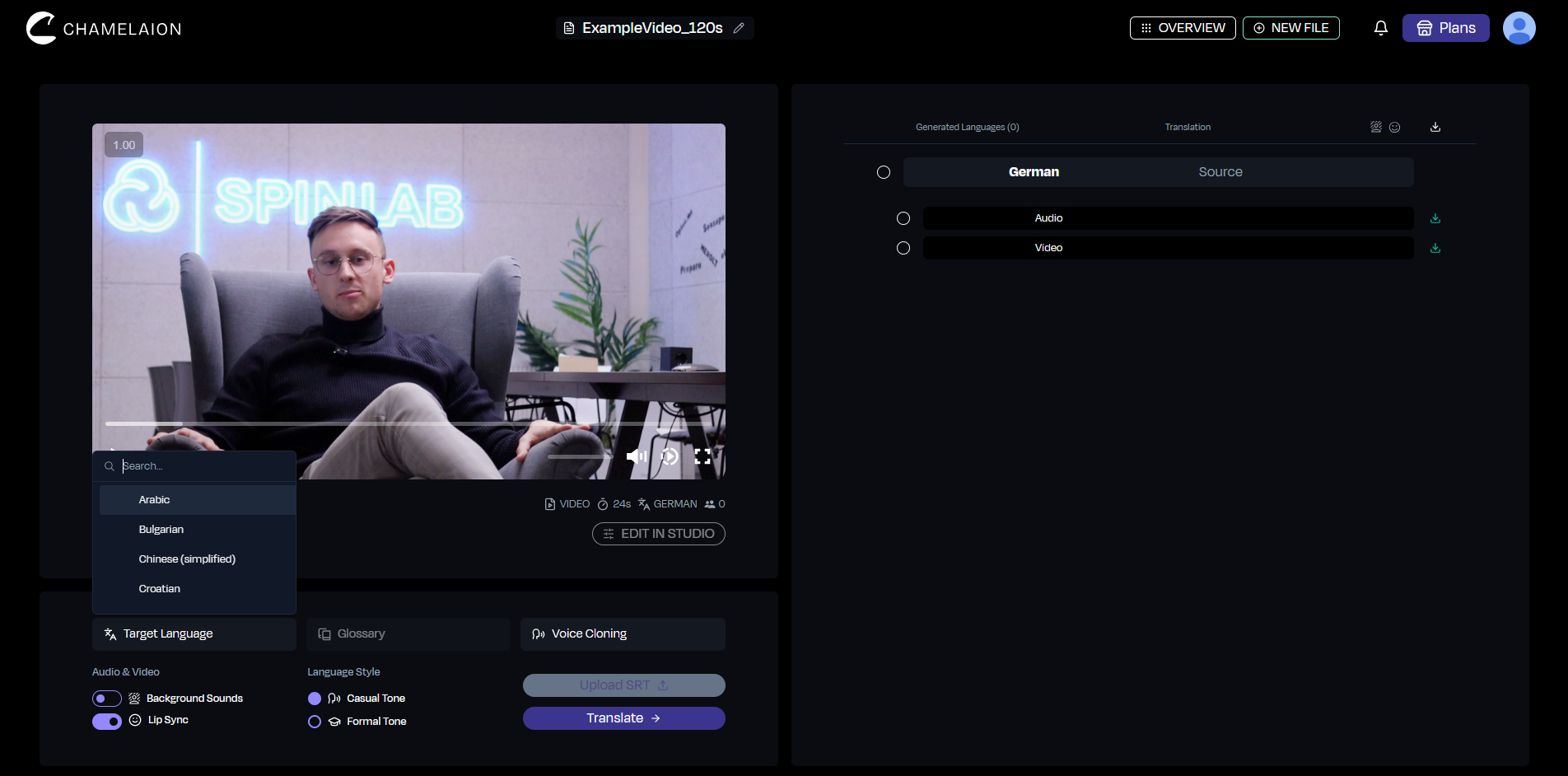
If you do nothing here, you still get a clean translated result: these are optional upgrades.
Click Translate.
That is the core workflow: CHAMELAION transcribes the original speech, translates it, and generates a new audio track for your selected language. You can close the tab if you want, CHAMELAION will handle everything. When the translation is ready, you will get a confirmation email.
Once processing is done, preview the translated result and download the export.
If you are using the free Starter pass, exports include a small “Translated with CHAMELAION” watermark.
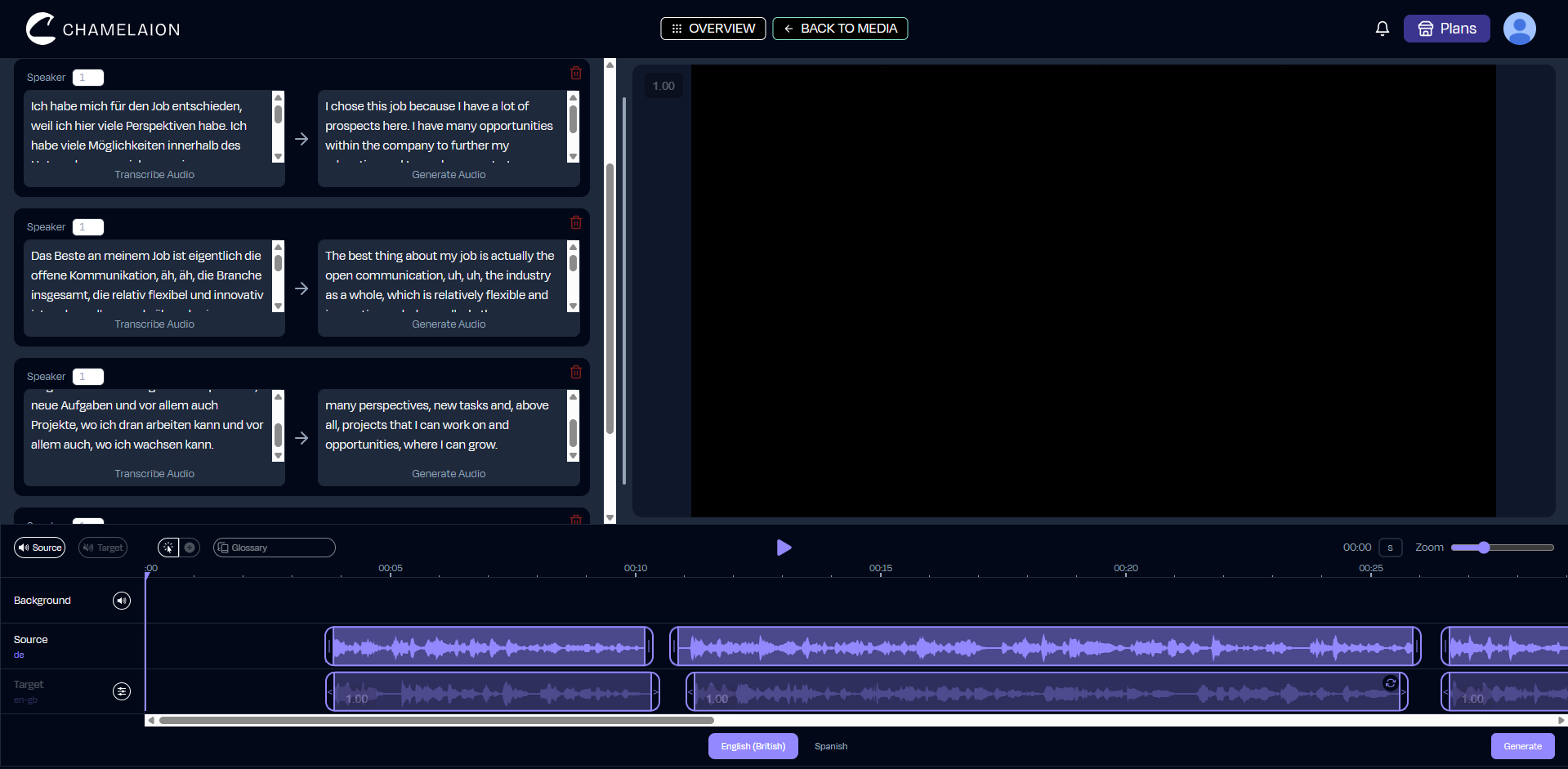
If you want more control, open the Dubbing Studio to refine the result. This is where you can polish transcripts, timing, delivery, and other details before exporting again.
This is the part that matters most for audio-only workflows: your input quality strongly affects the output quality.
Recommended audio formats
If you have a choice, use:
If your file is in an unusual format, convert it to WAV or MP3 first (any basic audio converter works).
To translate an audio file online for free with CHAMELAION:
Ready to translate your first audio file? Start here!
Want to learn more about CHAMELAION first? Visit our Website!
More in the CHAMELAION Blog
Is it really free?
Yes. CHAMELAION has a Starter free option. On Starter, exports include a small watermark.
How do I know when my audio is done?
You receive a confirmation email when CHAMELAION has successfully translated your file.
Which languages can I translate into?
After upload, confirm the detected source language, then choose one or more target languages in the language selector.
Do I need any editing software?
No. CHAMELAION is a self-contained platform, you don’t need additional tools just to translate and export.
What if the result isn’t perfect on the first try?
Open the Dubbing Studio to refine transcript, timing, and delivery, then export again.

Compare Kling, CHAMELAION and Sync 3 with video examples, per-minute pricing, features, and access through platforms, APIs and SDKs.

Translate Hindi and Portuguese video or audio with CHAMELAION. Upload, choose languages, click Translate, then preview and export in minutes.


© 2025 CHAMELAION GmbH