Translate a TikTok Video Online for free

Tutorials & Guides
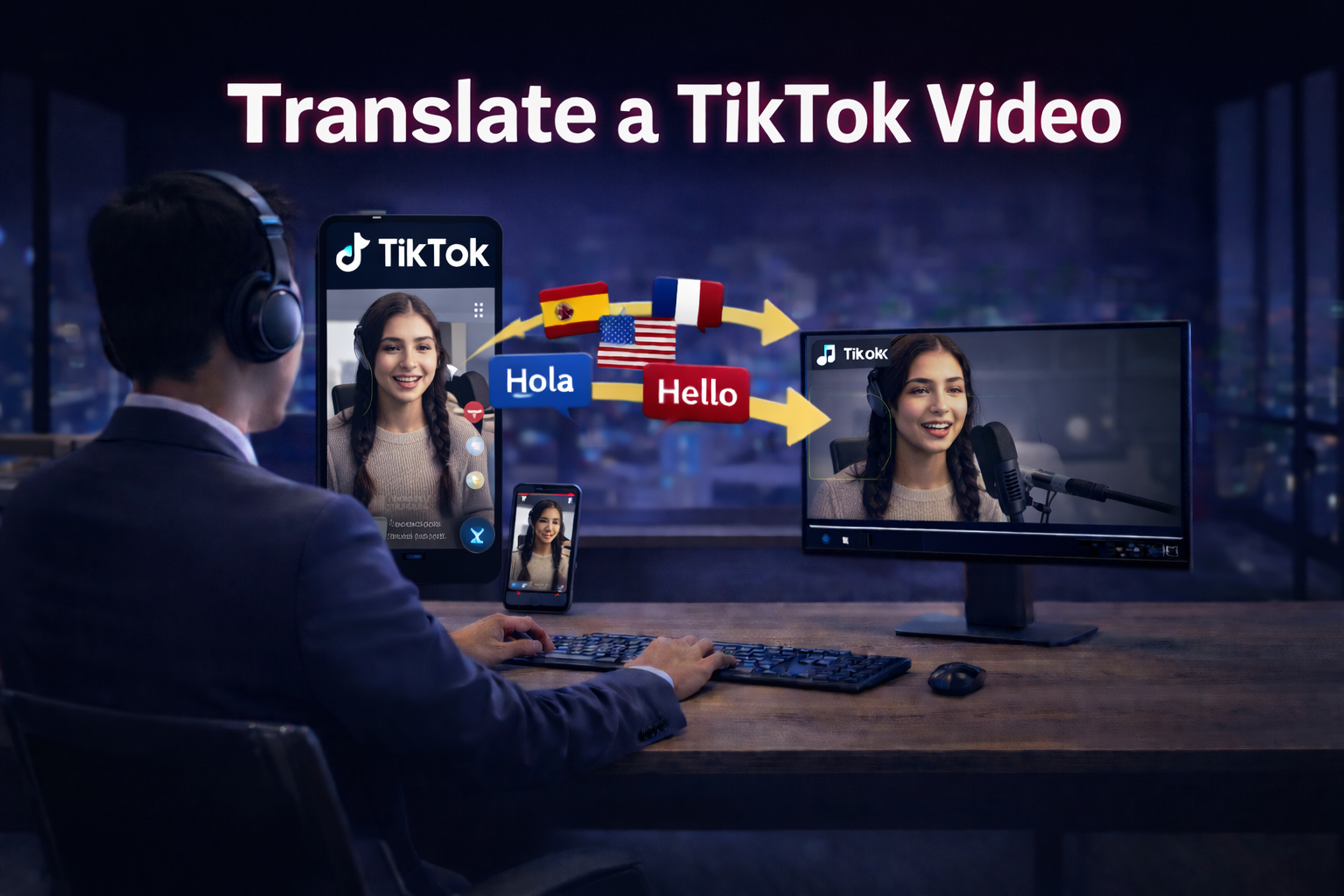

TikTok is built for fast, global content, but language can still be a hard stop. If you want your TikToks to reach new audiences, translating them (and optionally dubbing them with a natural AI voice) is one of the quickest ways to expand your reach.
With CHAMELAION, the workflow is simple: download your TikTok to your device, upload it to CHAMELAION, choose your target language(s), optionally add features like background sound retention or lip sync, and run a one click translation. When it is done, you can preview and export, or fine-tune everything in the Dubbing Studio.
Before you can upload a TikTok to CHAMELAION, you need the actual video file saved locally.
How to download a TikTok video:
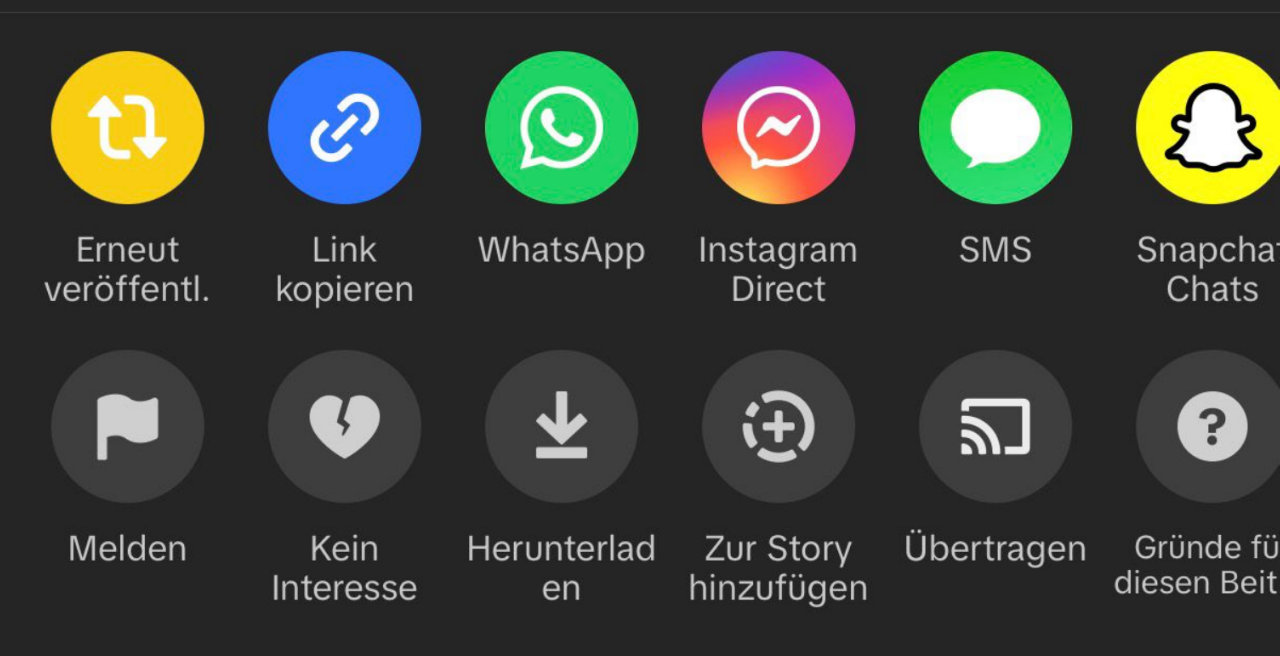
Once the video is in your camera roll, you can upload it like any other video file.
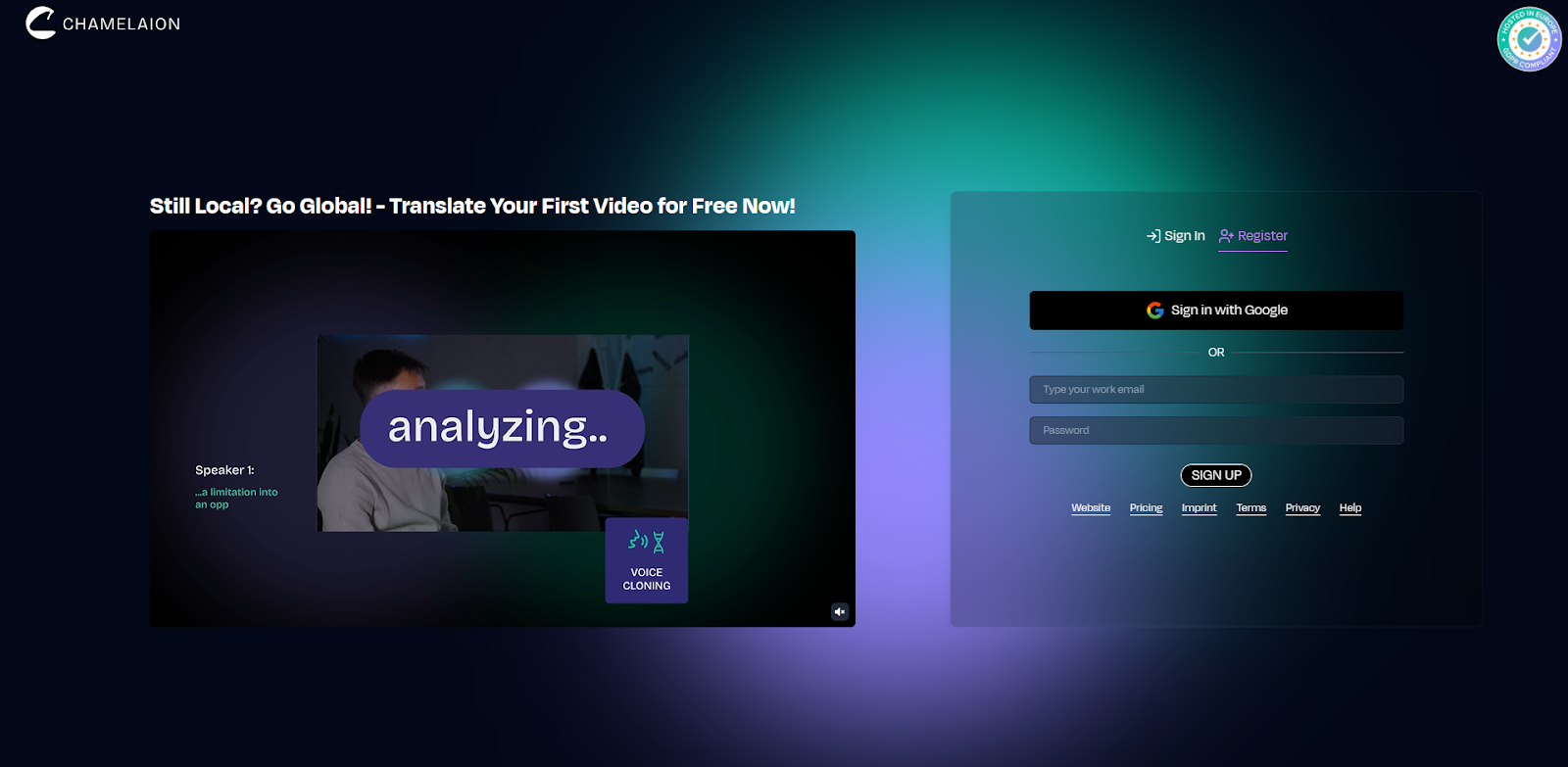
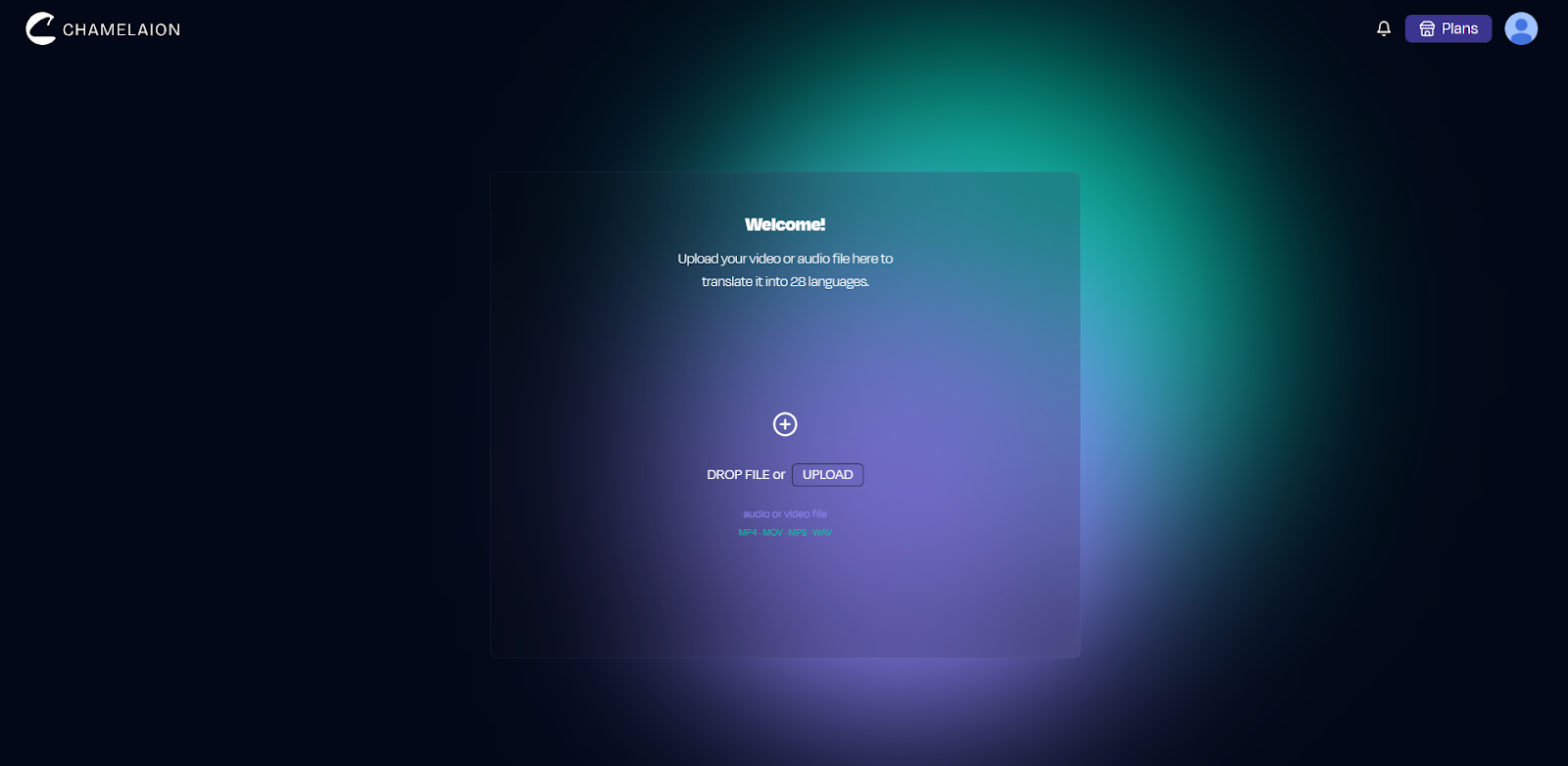
CHAMELAION supports common formats like MP4 and MOV, so most TikTok downloads will work right away.
CHAMELAION will typically detect the spoken language automatically, but you should confirm it before translating.
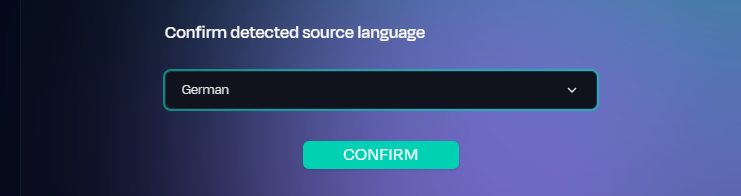
This step matters because better transcription leads to better translation.
Now pick the language (or multiple languages) you want your TikTok translated into.
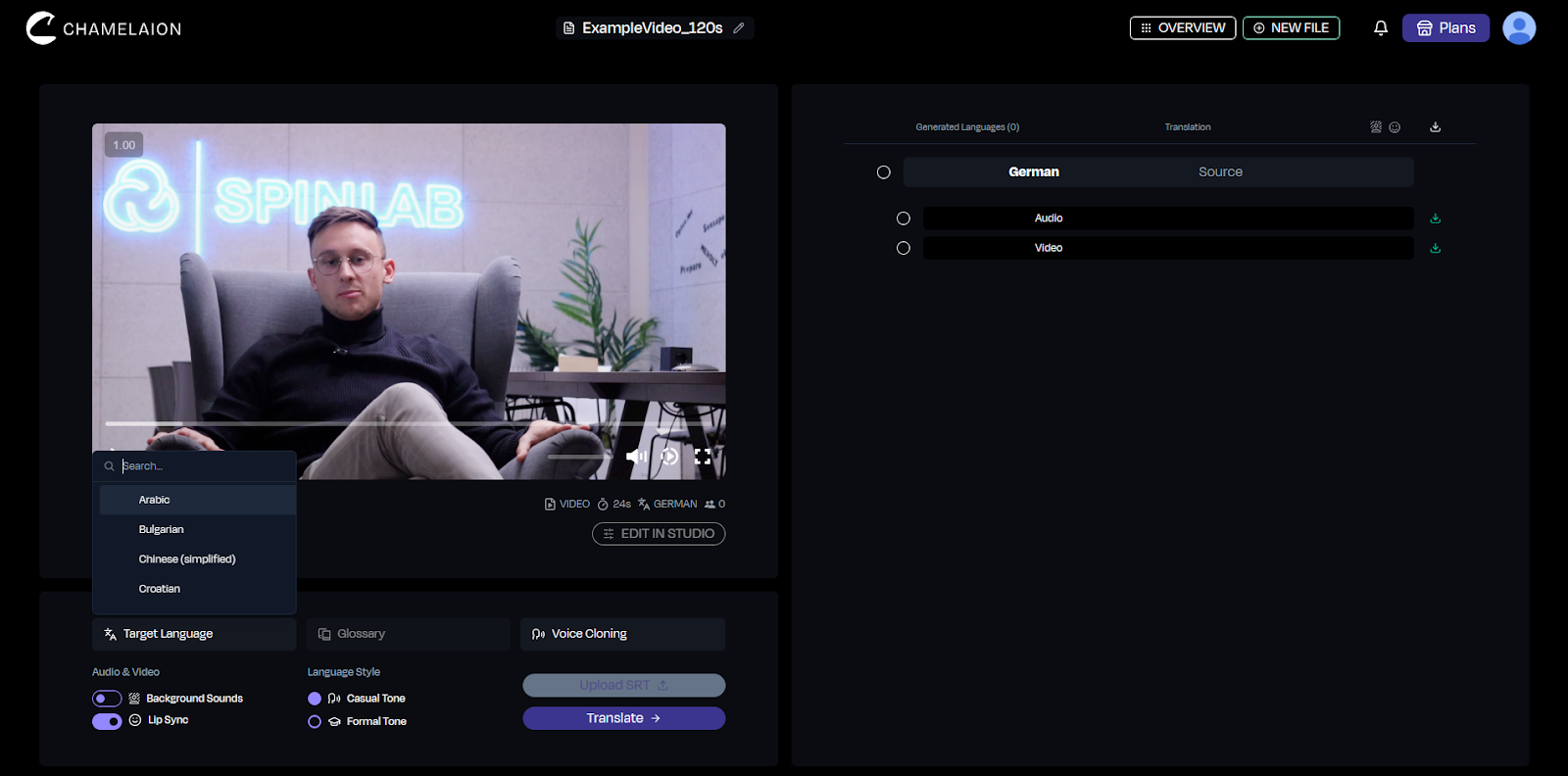
For TikTok, it often makes sense to start with the one language you expect to perform best, then expand once you see results.
Short-form content is fast, so the right settings can make the translation feel much more natural.
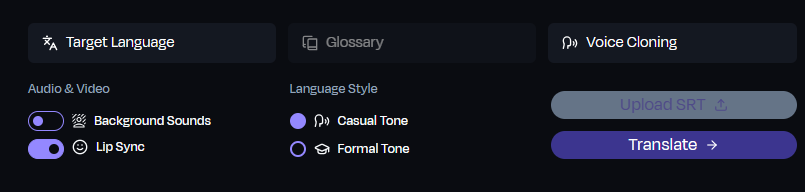
Background sound retention
If your TikTok includes music, ambience, or sound effects you want to keep, enable Background Sounds. This keeps the TikTok feel while the spoken voice is translated.
Language style (where available)
For some languages, you can choose a style (for example casual vs formal). This is useful on TikTok because tone often matters as much as meaning.
Lip sync (optional)
If your TikTok is face to camera and you want the translated audio to match mouth movements more closely, enable CHAMELAION's Lip Sync.
Once your languages and features are set:
When it finishes, you will have a preview-ready translated version.
Preview the result
Watch the translated TikTok and check:
Portrait stays portrait
If your original TikTok is a portrait video, the translated export keeps the portrait aspect ratio. That means it is ready to upload to TikTok again without extra resizing.
Optional fine-tuning in the Dubbing Studio
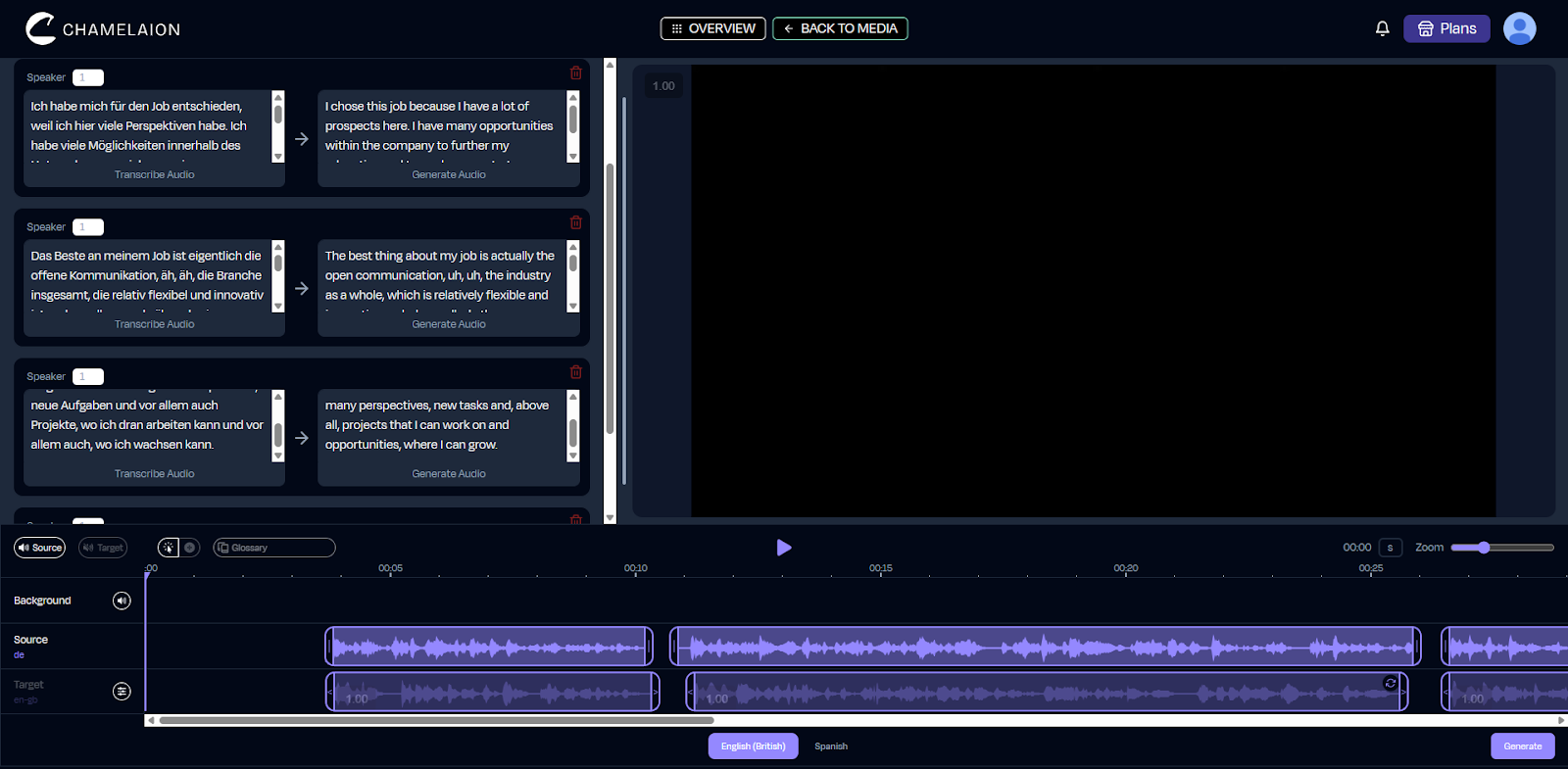
If you want more control, open the Dubbing Studio to refine:
Then export again once you are happy.
Ready to translate your TikTok? Start here
Want to learn more about CHAMELAION first? Visit our Website
Read more in the CHAMELAION Blog
Can I really translate TikTok videos online for free?
You can start for free in CHAMELAION and run translations depending on your plan and available credits. If you are translating lots of content or many languages, you will typically want to upgrade your CHAMELAION plan.
Learn more about our Plans on our Pricing Page.
Do I need the original project file from TikTok?
No. You just need the downloaded video file from your camera roll or gallery.
Will my translated TikTok keep the portrait format?
Yes. Portrait TikToks remain portrait after translation, so you can upload the result back to TikTok without resizing or converting.
Can I translate one TikTok into multiple languages?
Yes. Select multiple target languages to generate multiple localized versions.
Can I fix mistakes after translating?
Yes. Use the Dubbing Studio to adjust wording, timing, and delivery, then export again.
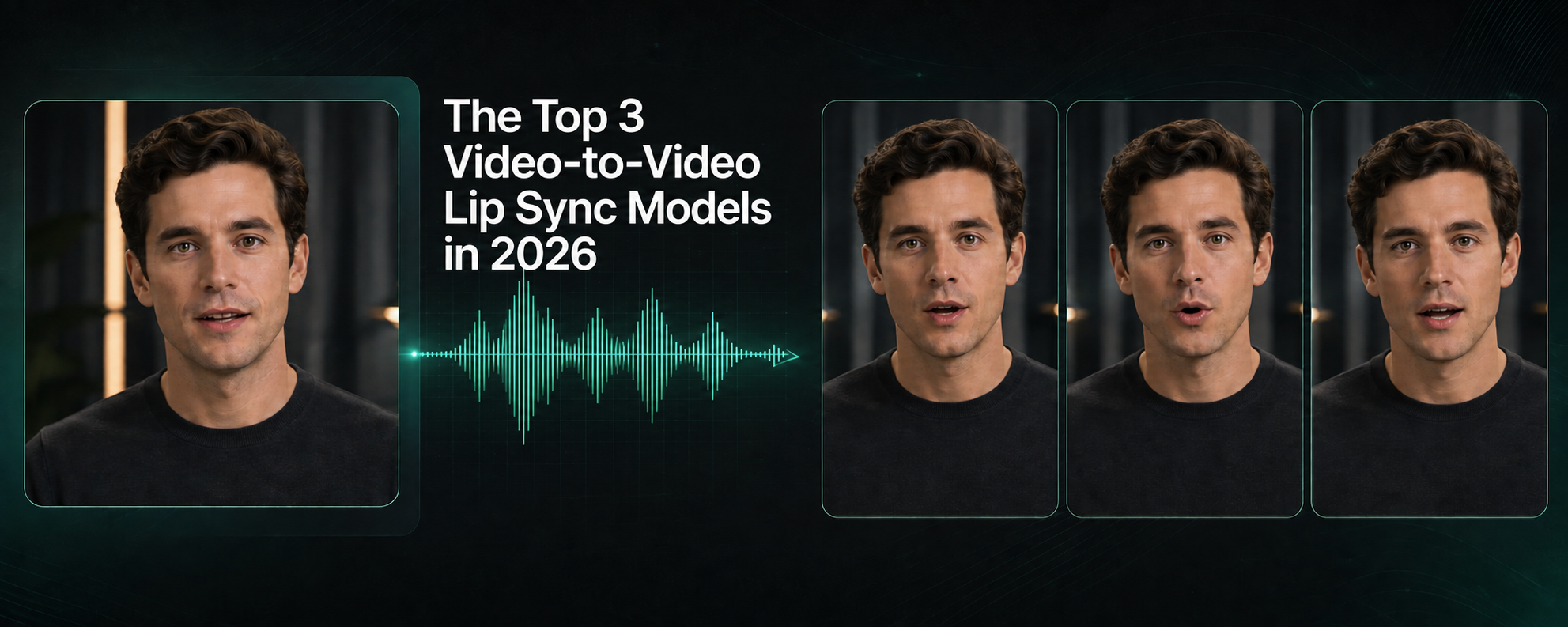
Compare Kling, CHAMELAION and Sync 3 with video examples, per-minute pricing, features, and access through platforms, APIs and SDKs.

Translate Hindi and Portuguese video or audio with CHAMELAION. Upload, choose languages, click Translate, then preview and export in minutes.


© 2025 CHAMELAION GmbH