Translate Video/Audio from Spanish to Russian and Russian to Spanish

Tutorials & Guides
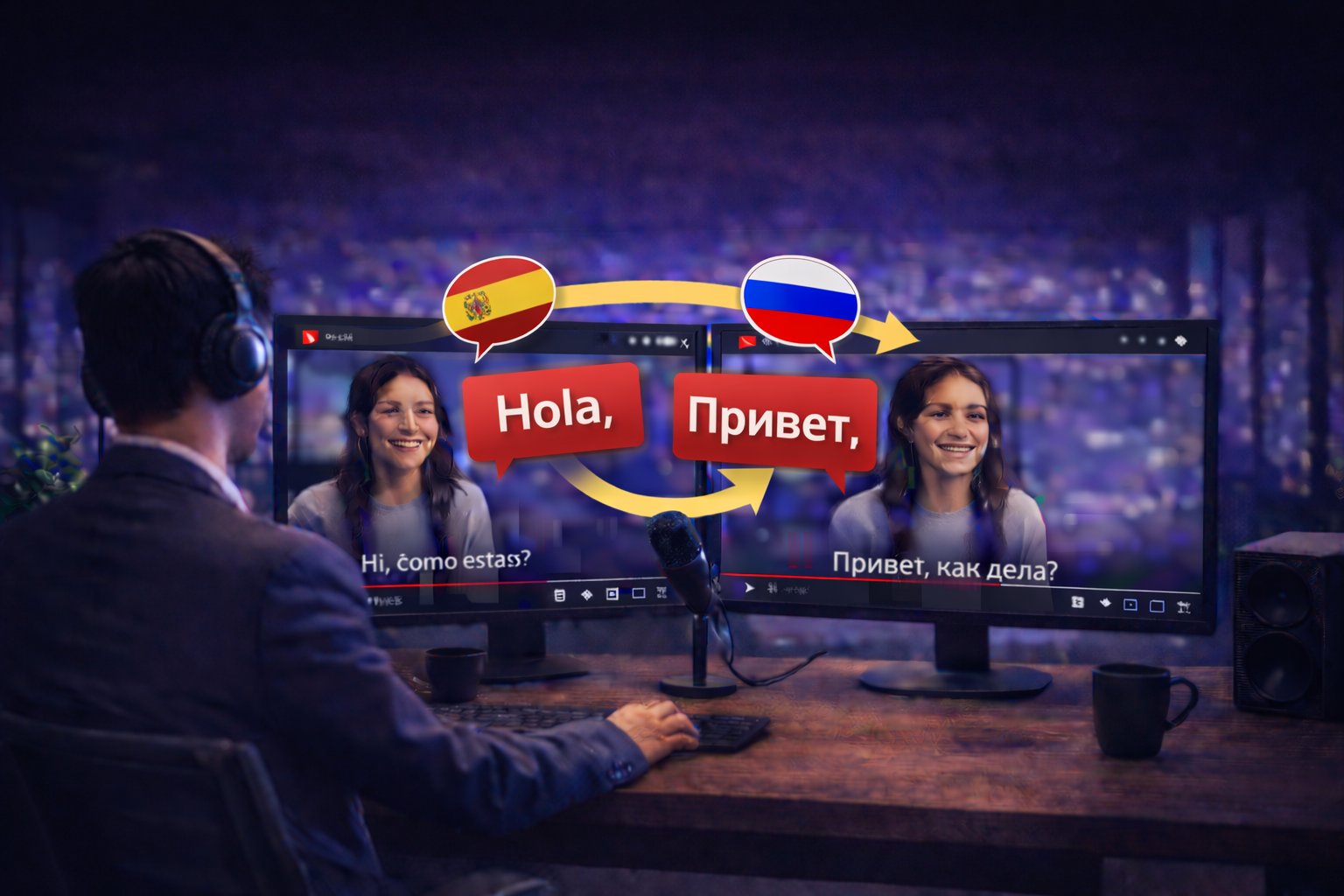

If you translate content between Spanish and Russian, you are connecting two large audiences. That is great for reach, but it also means viewers notice quality fast. A literal translation can feel “off” even when every word is technically correct, especially in marketing, training, and YouTube style content where tone matters as much as meaning.
Spanish and Russian are different in structure, rhythm, and script. Russian uses the Cyrillic alphabet, and small wording choices can change how natural a line feels. If you want to keep things mainstream across markets, avoid very local slang and focus your fine-tuning on the lines that matter most, like your hook and CTA. With CHAMELAION, you can translate Spanish to Russian or Russian to Spanish for both video and audio, preview the result, and adjust wording, timing, and delivery in the Dubbing Studio if needed.
Go to app.chamelaion.com and create your account, or log into an existing one. If you are new, you can sign up instantly with Google or use your email.
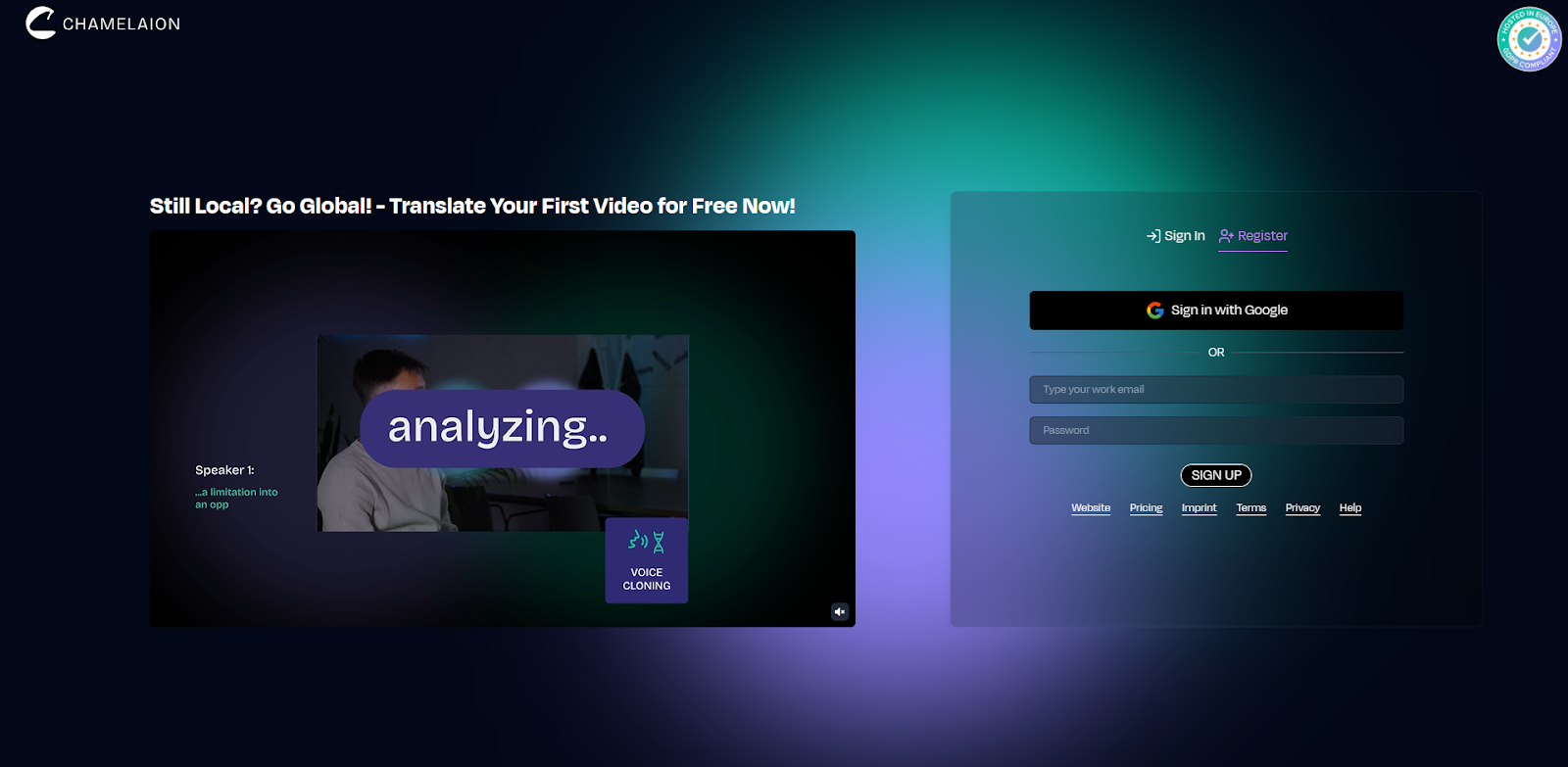
After signing up, you will be asked to verify your email and set your display name.
Upload your video (MP4, MOV) or audio (MP3, WAV, M4A). For best results, use the cleanest source you have.
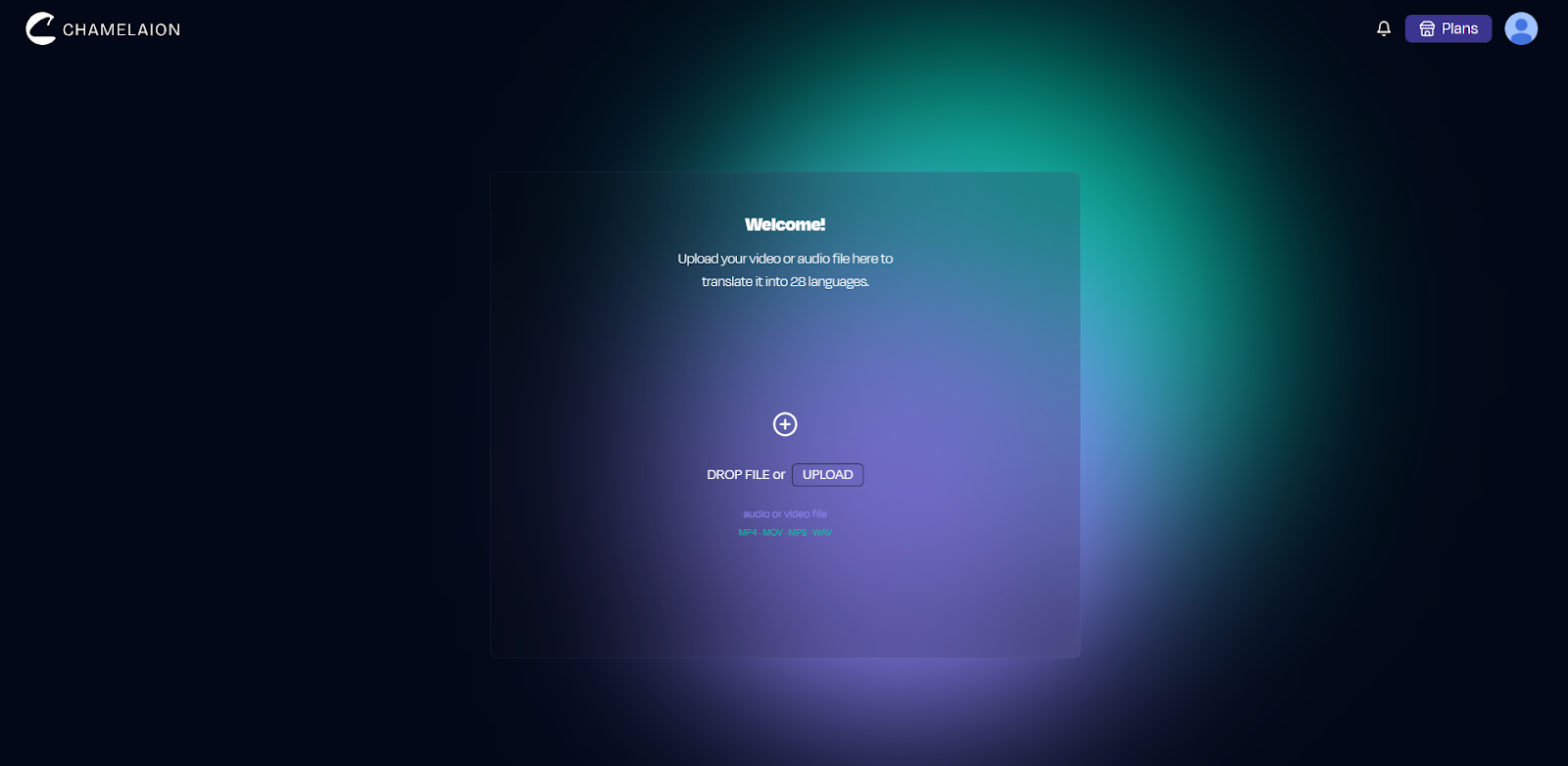
Longer videos are no problem. They just take a few extra minutes to process.
CHAMELAION will auto-detect the spoken language. Confirm it before translating.

This matters because transcription quality drives translation quality.
Pick the direction you need:
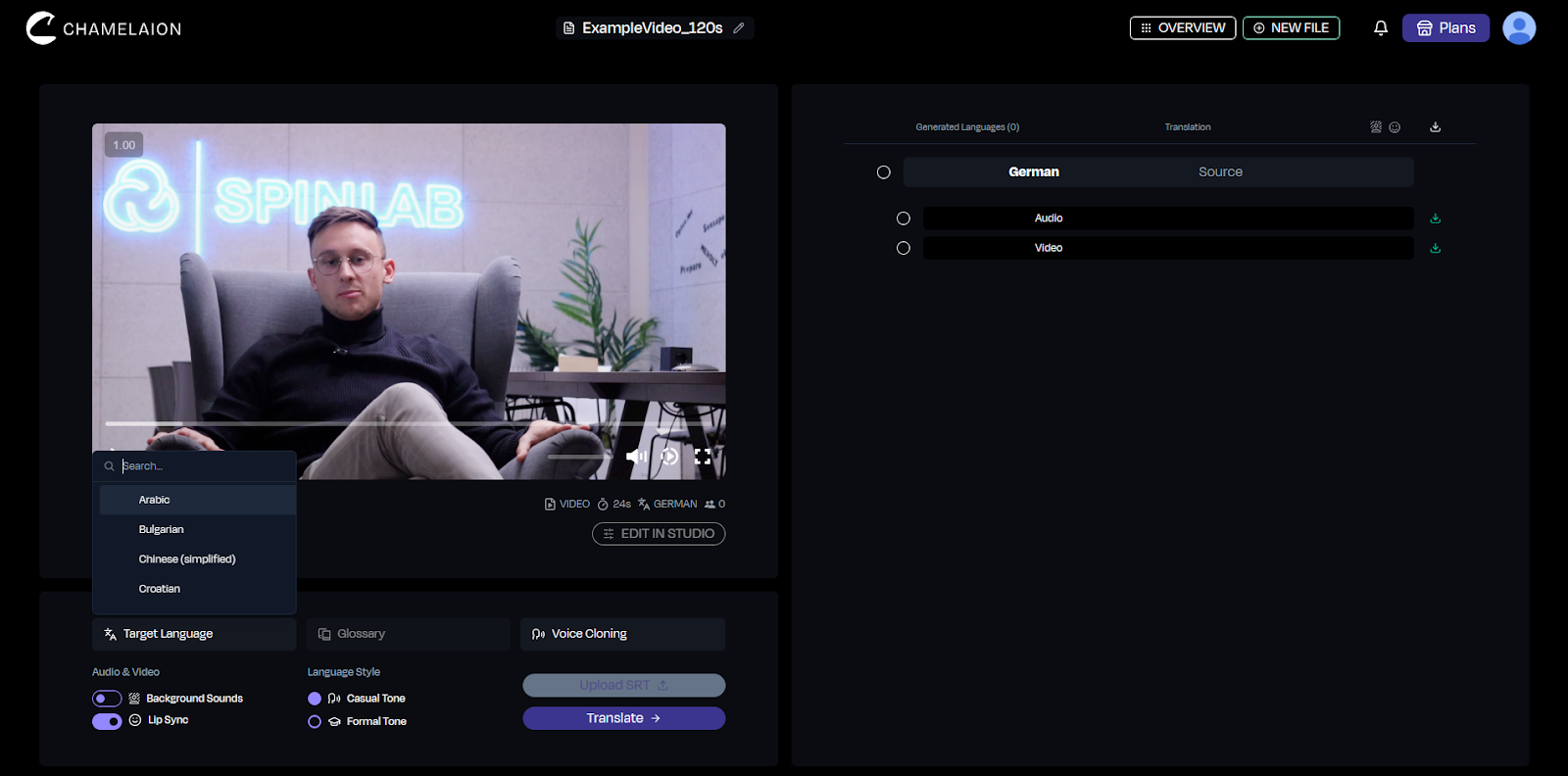
If you are publishing in multiple markets, you can also generate multiple target versions.
Before you click Translate, consider these (they are optional):
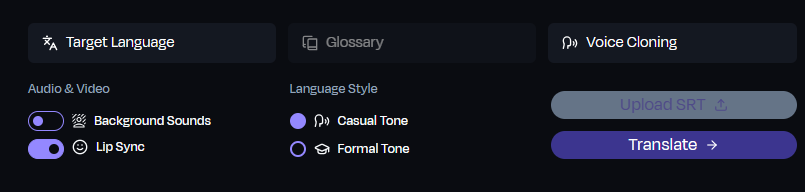
Click Translate, then preview the result when processing is complete.
If anything sounds slightly translated, open the Dubbing Studio and polish:
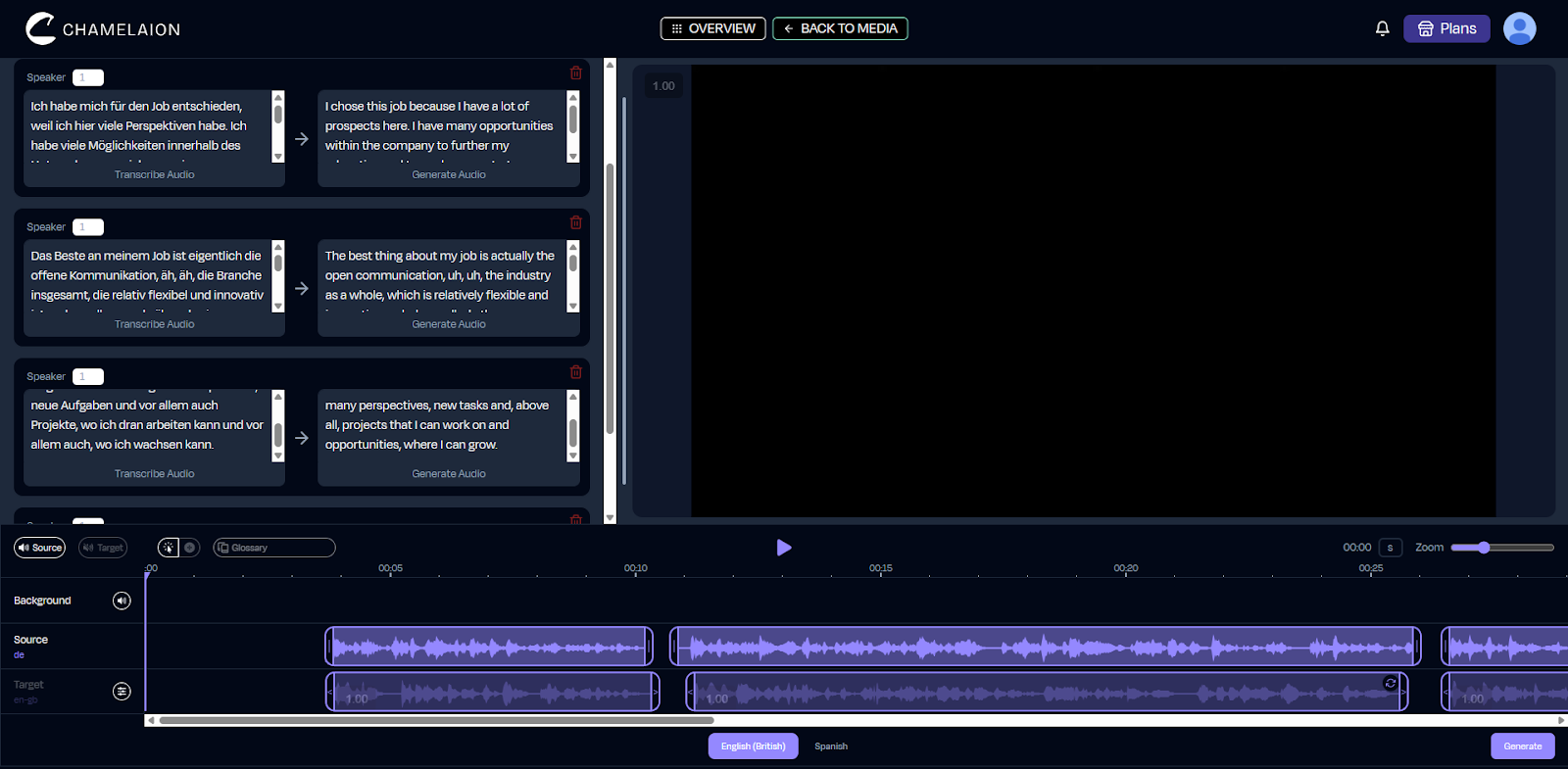
For a full feature walkthrough, the CHAMELAION Help Center is the best place to go: help.chamelaion.com
Pitfall 1: tú vs usted and ты vs вы affect tone
Spanish and Russian both force a tone choice.
Pick a tone on purpose and keep it consistent across the whole video, especially in your hook and CTA.
Pitfall 2: Names and brand terms in Cyrillic
Cyrillic can change how names look and sound. Decide what stays in the original language (brand names, feature names, common product terms) and what you want in Russian. Then keep it consistent.
Pitfall 3: Literal translations and sentence structure
Spanish phrases often need restructuring to sound natural in Russian, and vice versa. This is especially true for idioms, marketing hooks, and CTAs. Preview your output, then fine-tune the key lines in the Dubbing Studio if anything feels unnatural.
If you are translating audio (not video), your biggest levers are clarity and consistency:
To translate Spanish to Russian or Russian to Spanish with CHAMELAION:
Ready to create a Russian version of a Spanish video, or a Spanish version of a Russian video?
Start your first translation in the CHAMELAION Platform
Want to learn more about CHAMELAION first? Visit our Website
More in the CHAMELAION Blog
Should I use tú or usted in Spanish, and ты or вы in Russian?
Match your audience and channel. tú and ты are common for creators and casual content. usted and вы are often better for formal, corporate, or highly respectful contexts. Pick one tone per language and stay consistent.
Why does my Spanish → Russian version feel tighter on timing?
Russian can take longer to speak than Spanish, so timing can tighten in video. Preview the result, then shorten lines or adjust pacing in the Dubbing Studio if the delivery feels rushed.
Can I keep the original music and ambience?
Yes. Enable Background Sounds to keep music and ambience mixed into the export.
Is it really free?
Yes! CHAMELAION offers a free Starter option. Free exports may include a small “Translated with CHAMELAION” watermark depending on your plan. If you are translating lots of content or many languages, you will typically want to upgrade your CHAMELAION plan.
Learn more about our Plans on our Pricing Page.
Compare Kling, CHAMELAION and Sync 3 with video examples, per-minute pricing, features, and access through platforms, APIs and SDKs.

Translate Hindi and Portuguese video or audio with CHAMELAION. Upload, choose languages, click Translate, then preview and export in minutes.


© 2025 CHAMELAION GmbH